Do you ever take a pic and when looking at it on your computer find that the sky is too blue? I get this once in a while and maybe the sky really was that blue when you took the shot but it can overpower the image; the blue can be that intense! Take a look at this Speckled Pigeon I took in Cape Town, South Africa last fall.
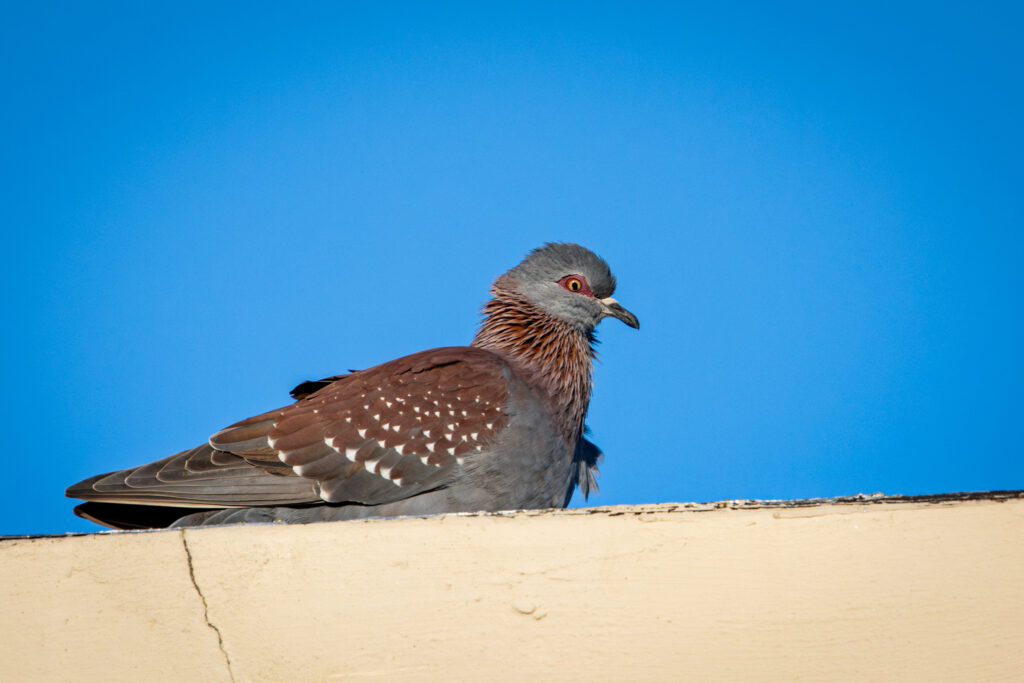
The shot was taken late in the afternoon with no clouds in the sky and it is so blue! One choice is to leave it like that, but the blue just dominates the image. You could (using Lightroom) click the Masking Tool/click Background, and then lower the Exposure or change the Temp slider to less blue.
A faster way to dull the blue is to just lower the Contrast a bit. For the picture below I lowered the Exposure slider to -15 and as you can see there is still a blue sky but it is less intense than the first shot. The change in the Contrast really hasn’t affected the colors in the pigeon but the overall image is easier on the eyes.
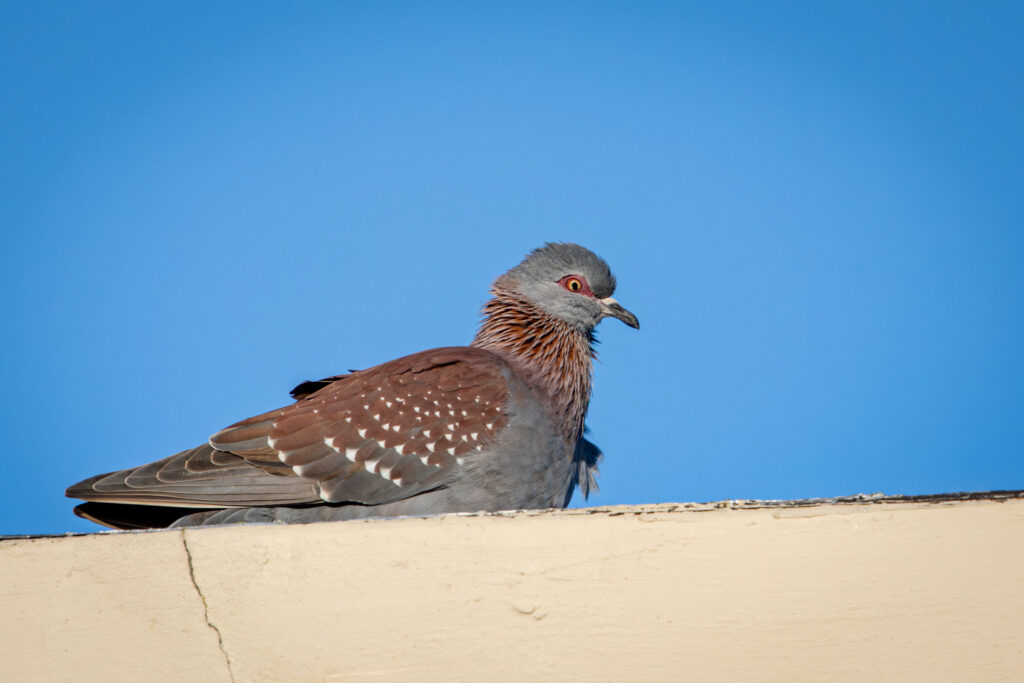
Give it a try sometime. Or is it even worth it to you – is an intensely blue sky OK? Let me know.
If you enjoy seeing beautiful pictures of birds from around the world and reading about them Click Here to sign up for our mailing list. Members can post their own GreatBirdPics and learn more about bird photography techniques.